

Available in the Full edition.
Turn Tools On or Off
Every tool is on by default.Editor.tsx
A tool turned off keeps what the state already has: its values are still drawn and saved.
Filters
Vivid, Vivid Warm, Vivid Cool, Dramatic, Dramatic Warm, Dramatic Cool, Mono, Silvertone and Noir, after Original: the iPhone’s set, fitted to look like it.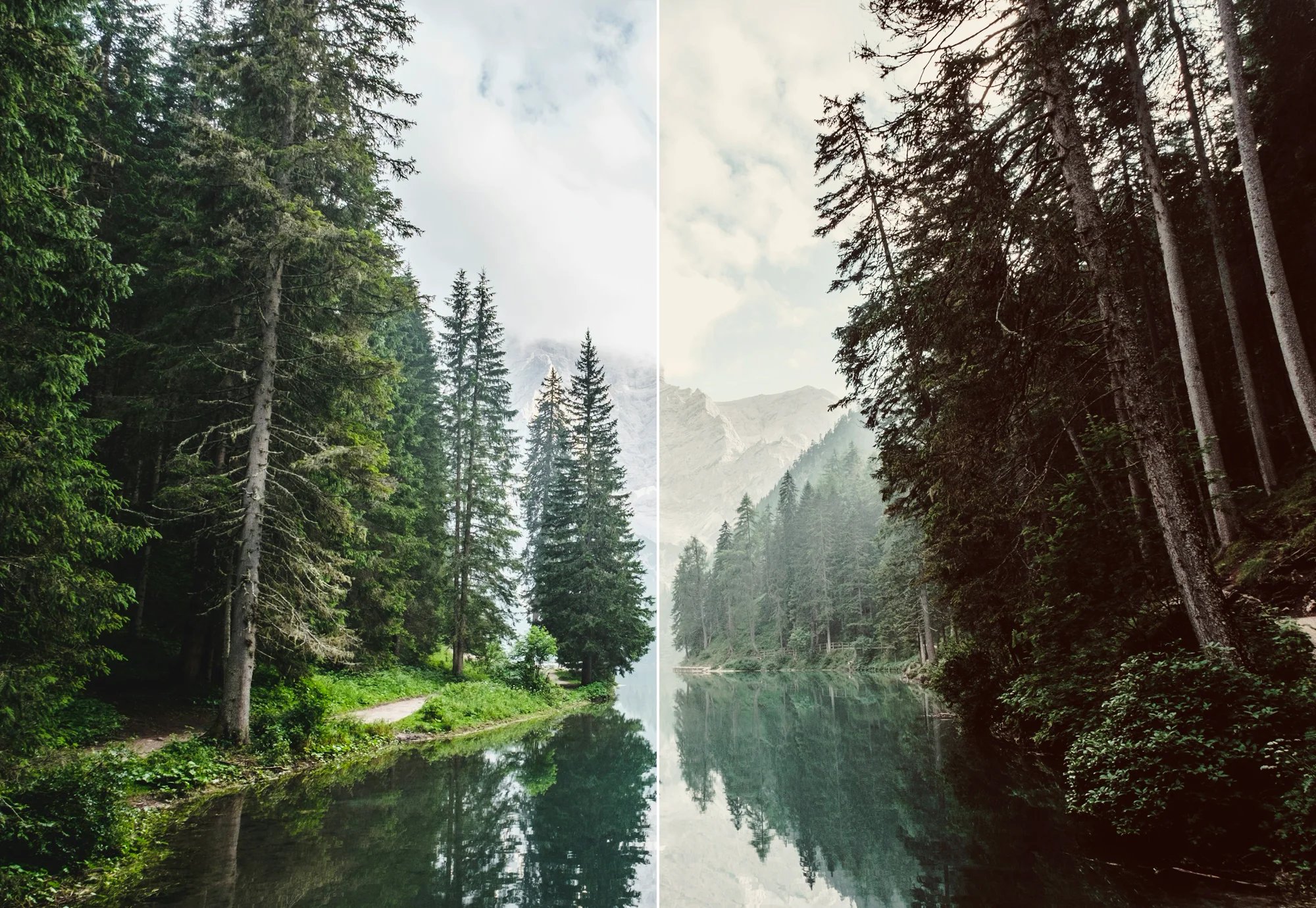
- A strip of thumbnails shows the current photo, with its crop and rotation, under each filter.
- An intensity ruler runs from 0 to 100. A filter comes in at 100.
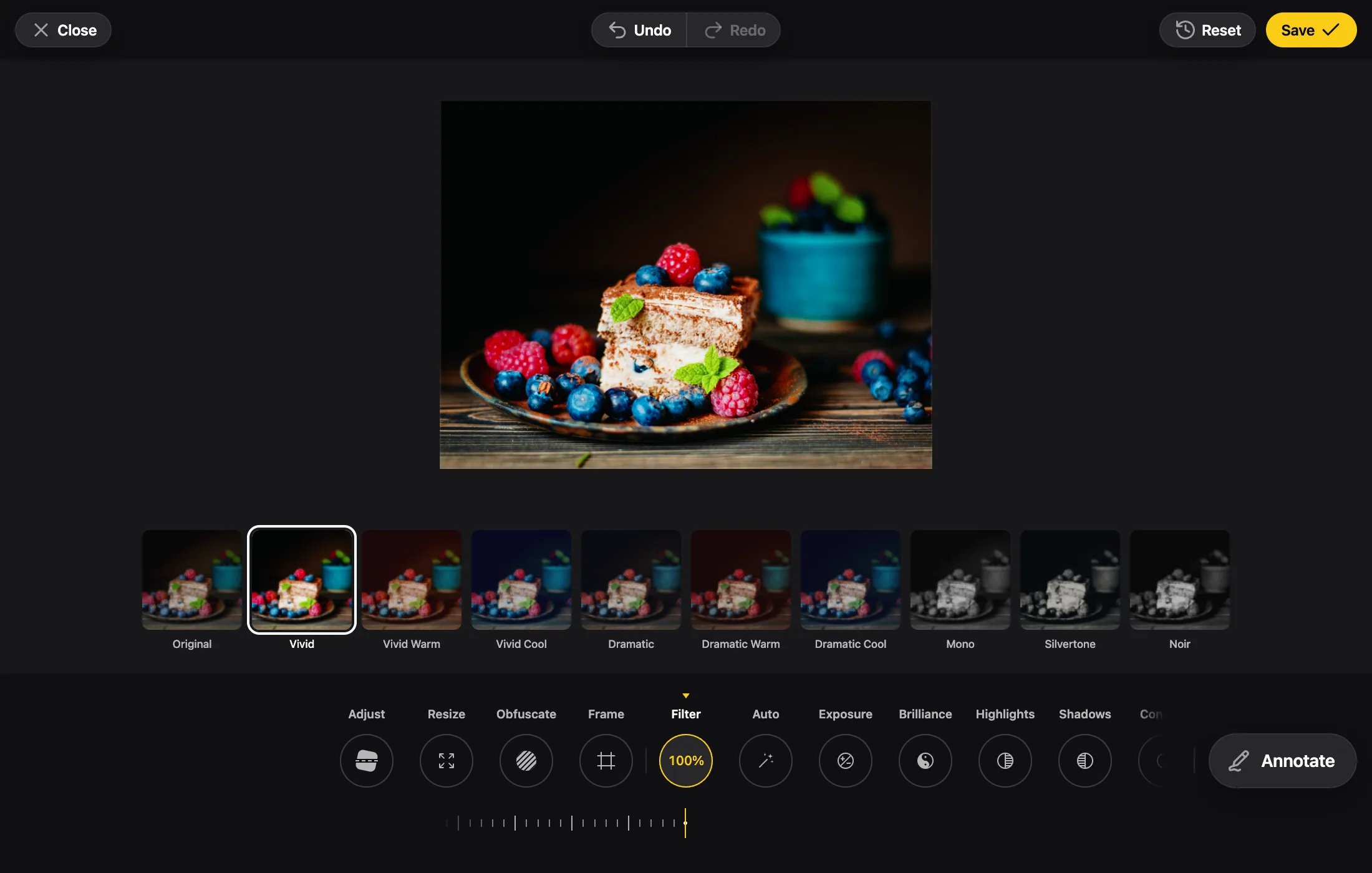
Auto
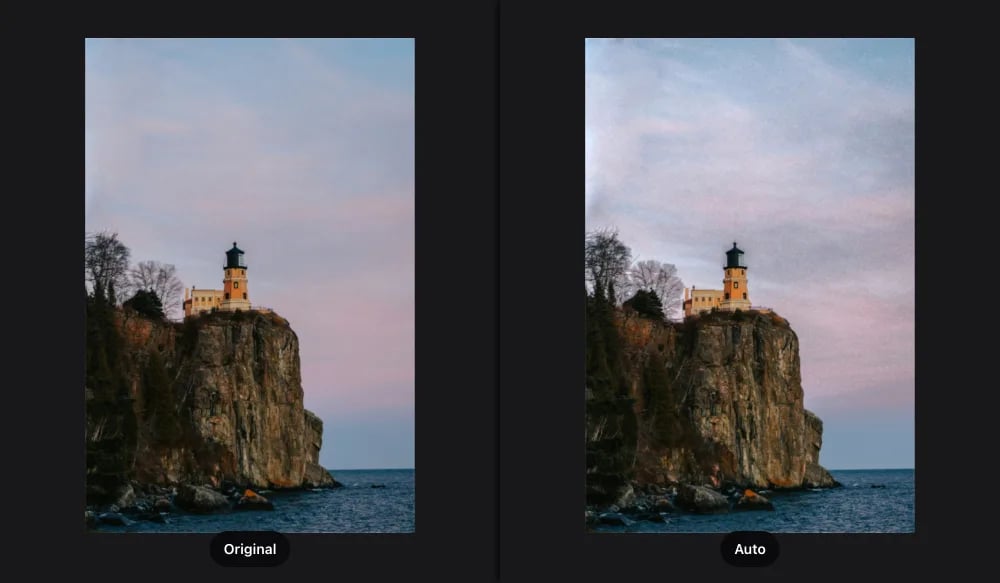
- Its ruler runs from −100 (darker, denser) to 100 (lighter, airier).
- It never lifts a dark photo more than two stops, leaves near-white areas alone and never changes the white balance.
- The other adjustments act on top of it.
- Its numbers are saved with the edit, so a reopened photo looks exactly as it did.
Adjustments
Exposure works in stops of light: ±100 is ±2 stops. Each adjustment is measured against the iPhone’s Photos app and reproduced within a tested tolerance.
Frames
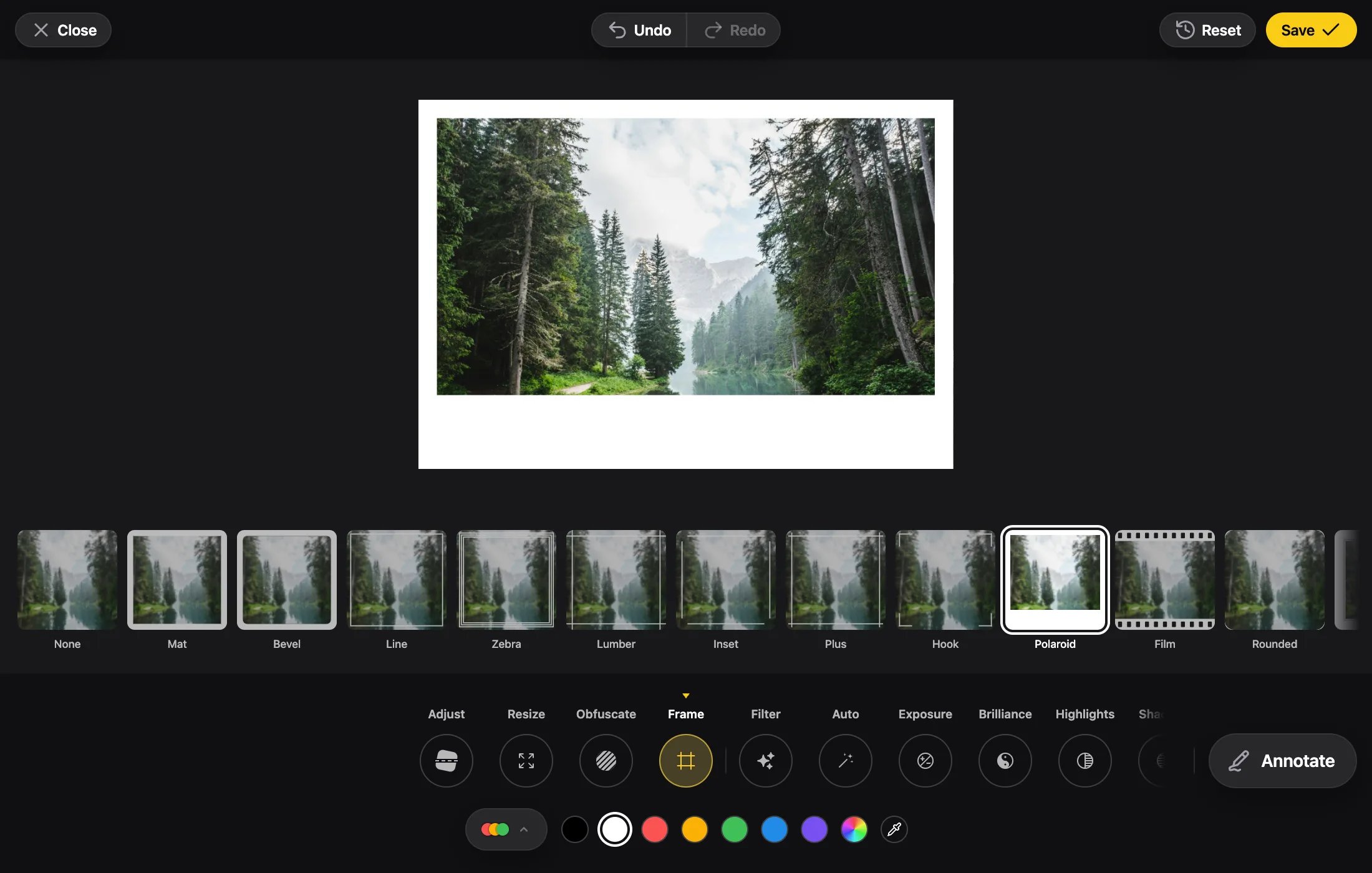
Thirteen styles: Mat, Bevel, Line, Zebra, Lumber, Inset, Plus, Hook, Polaroid, Film, Rounded, Gallery and Photo Corners.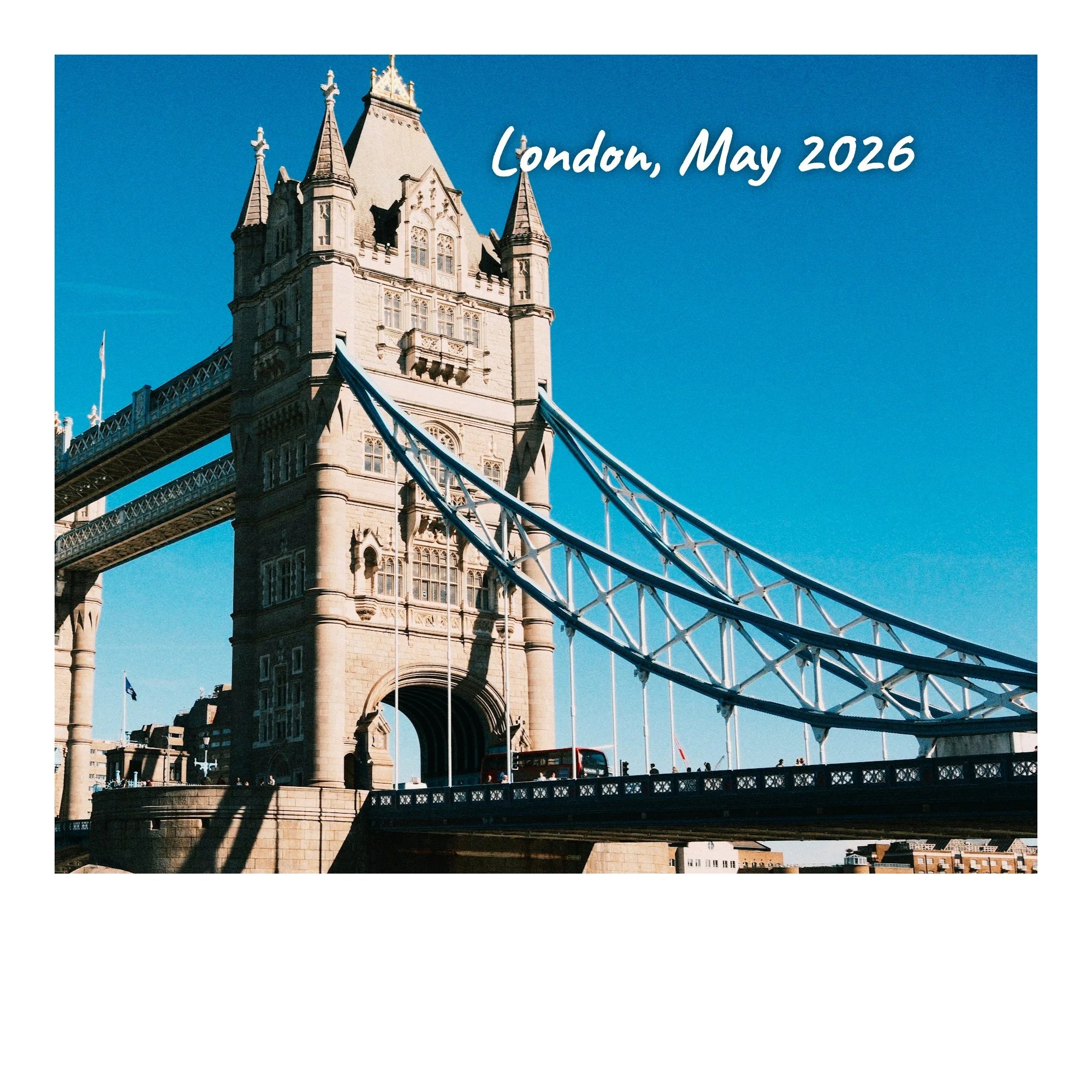
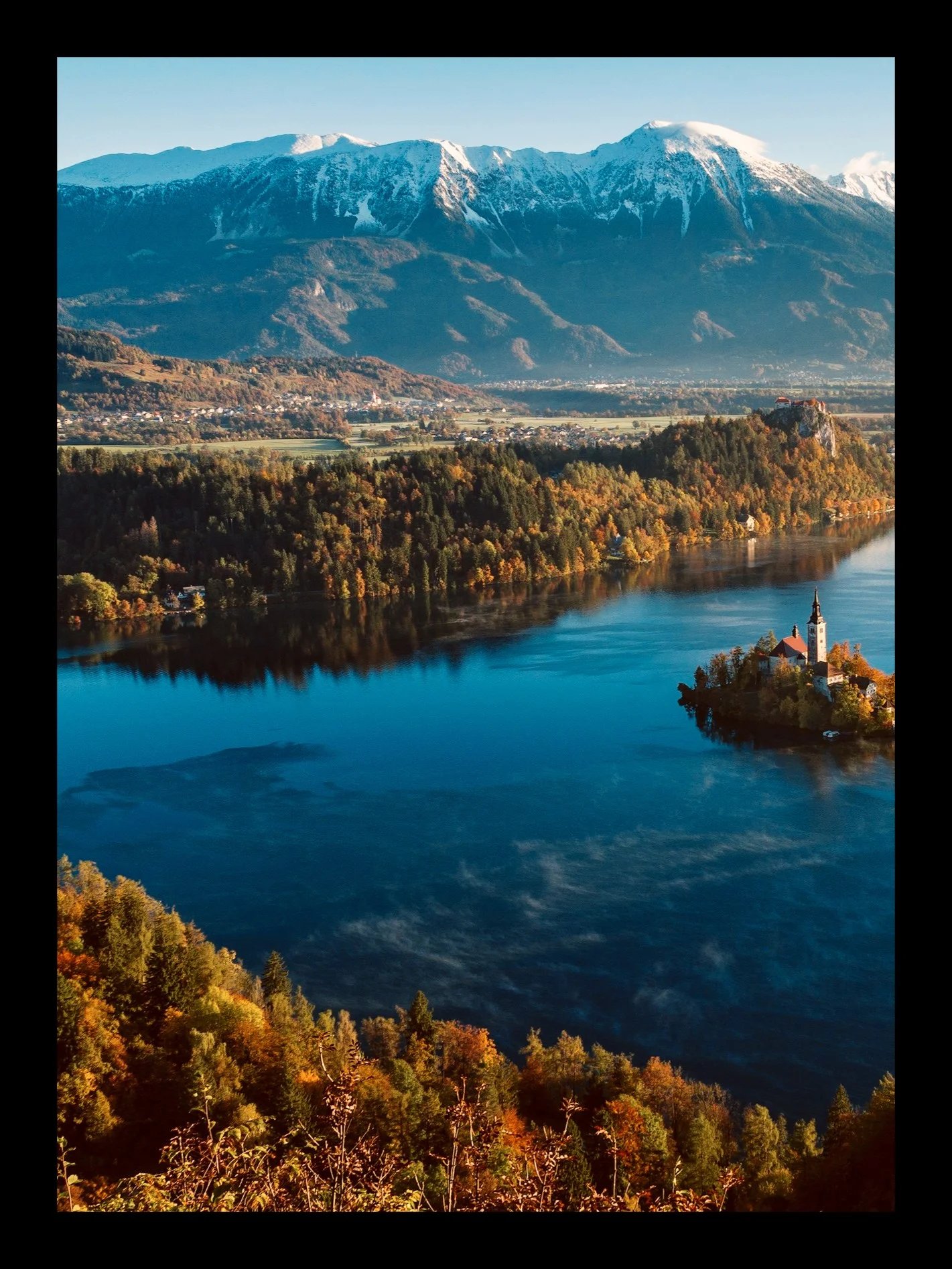
- Once a frame is chosen, a color row shows. White is the default.
- The frame is drawn over the annotations and under the watermark and signature.
Resize
Width × height in px, always proportional.- Accepts 1 to 16384 px a side, within your
maxWidthandmaxHeight, the GPU’s limit and 16.7 MP. - A small photo can be enlarged up to that limit.
Crop & Aspect Ratio
Output size and type props.
Saved State
How filters and adjustments are saved.