

Open It
openEditor opens the editor in its own host on document.body and returns close. It works from either entry.
openEditor takes every prop except layout. It touches the DOM, so call it from an event handler or an effect, never during a server render.
How It Looks
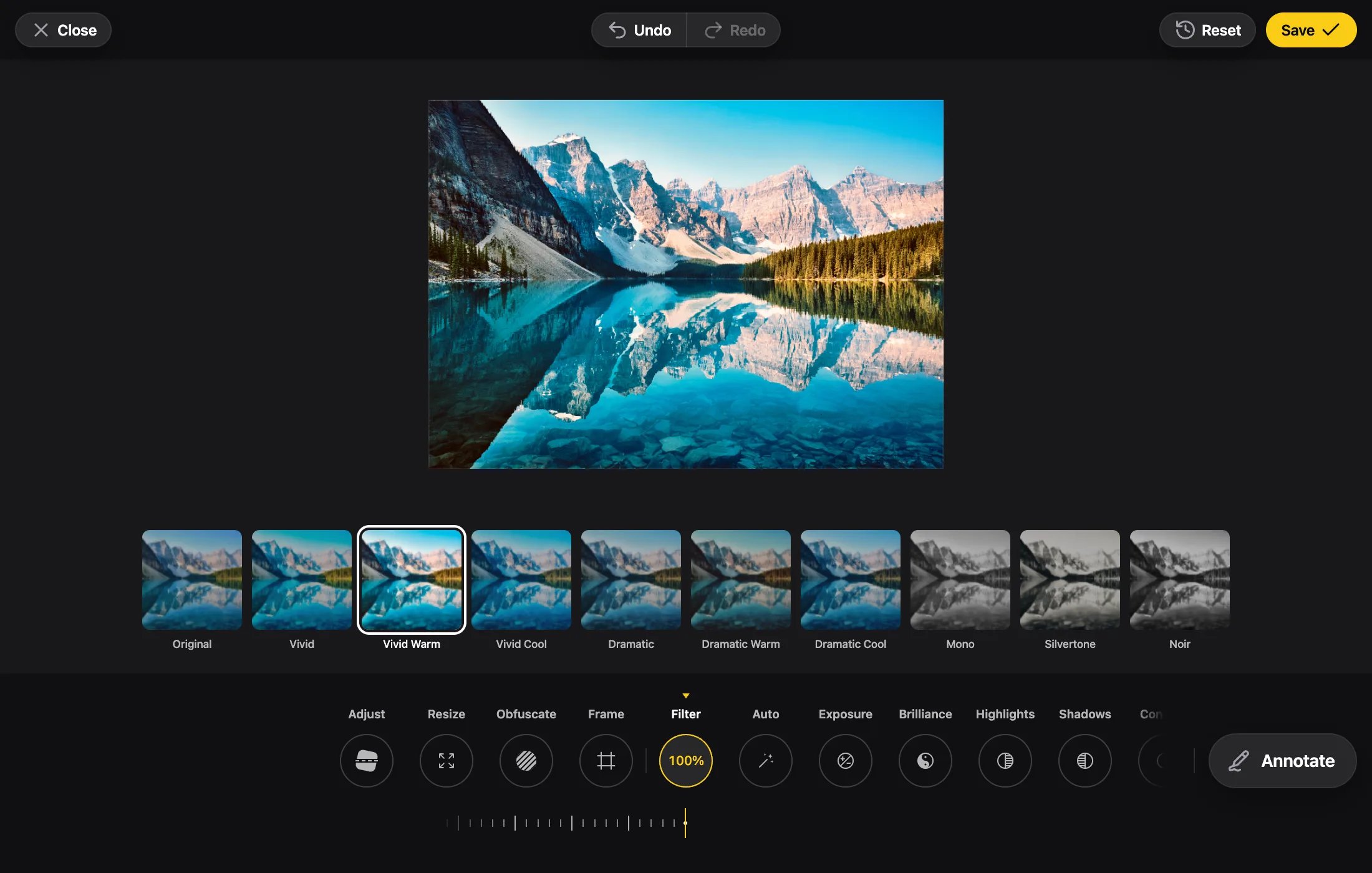
The page behind it doesn’t scroll and comes back where it was. Pinch and double-tap zoom of the page are blocked while it’s open.
Add
viewport-fit=cover to the page’s viewport meta tag, so the sheet keeps clear of the notch and the home indicator.Closing It
onClose is called once the editor has gone, however it closed.
Escape
SetcloseOnEscape: false and only Close and Save close the editor. Escape keeps its other jobs, such as dropping a selection.
editor.ts
When Save Fails
IfonProcess throws, the error is logged with console.error, Save shows it failed, and the modal stays open so the user can save again. onProcessError isn’t called: the error is your callback’s, not the editor’s.
Inline
Put the editor in your own layout.
openEditor
The full signature.