

Two Layouts
For a dialog over the page, use the modal instead.
In Your Box
The editor fills its parent’s box, so give the parent a height, and at least 320 px of width: it lays itself out by that box, not the window, and nothing overflows from 320 px up.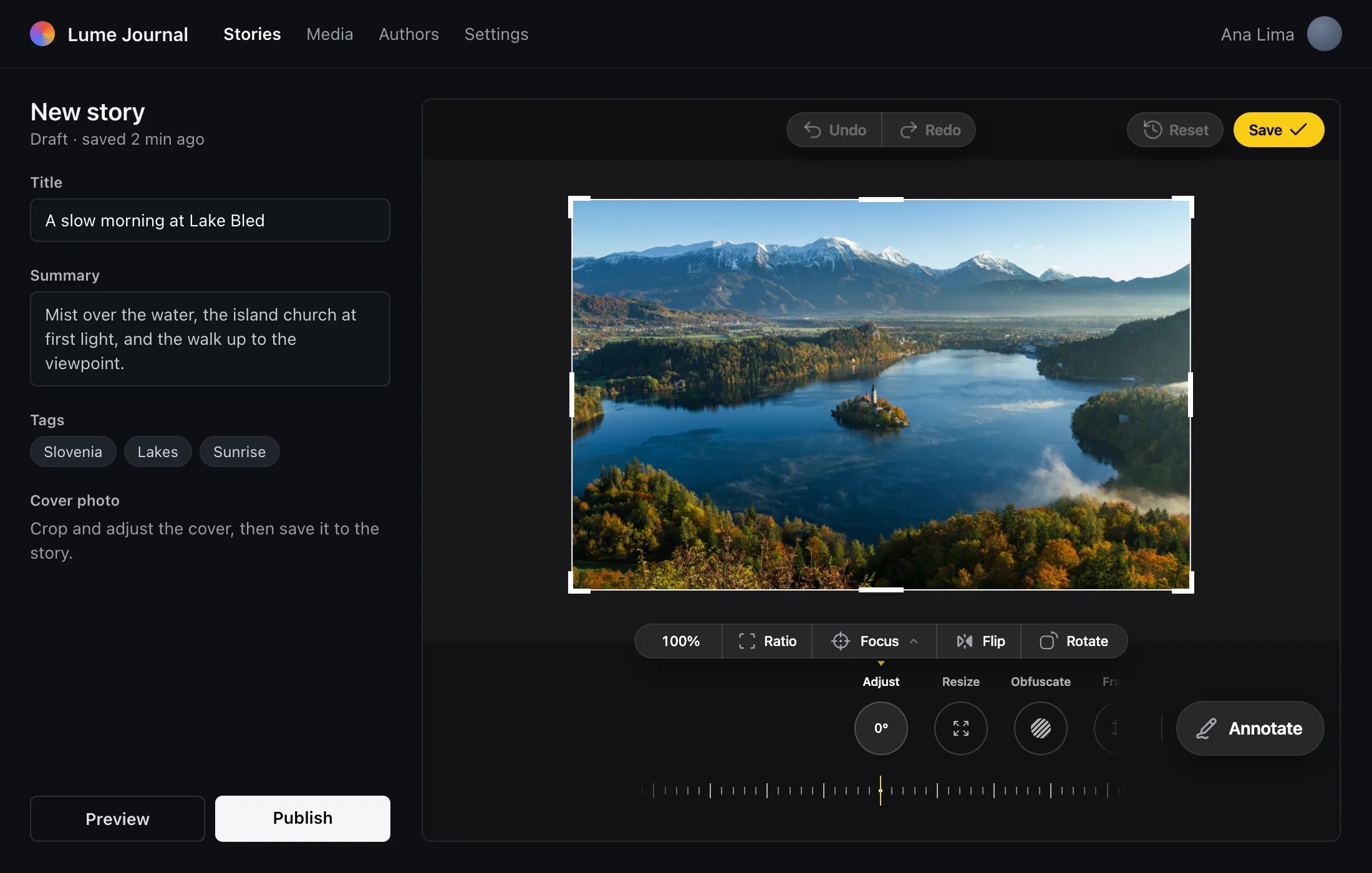
mountEditor returns { update, destroy }. update(options) takes the full options again, not a patch. One element holds one editor: mounting again takes over the first.
Sizing the Host
- The layout follows the editor’s own size, not the window’s. A narrow box gets the narrow layout, even on a wide screen.
- Under 520 px tall, the menu drops to 128 px.
- Save keeps the inline editor open. The Close button shows only when you pass
onClose.
The Whole Page
Setlayout: 'page' and the editor becomes the page.
index.html
- Render it near
<body>. It isposition: fixedat100dvh, so an ancestor with atransform,filter,perspective,contain: paint/layoutorwill-change: transformmakes it fill that ancestor instead of the viewport. - It locks the page’s scroll while mounted and gives it back on unmount.
- It sits at a very high
z-index, like the modal.
What src Takes
The type is read from the file’s bytes, not its name.
When src Changes
src and state are read when the editor opens. While the empty state, a load or an error screen shows, a new src replaces the one opening. Once an image is on screen, changes are ignored. To open another image, give the editor a new key in React; with mountEditor, destroy it and mount again.
Modal
Open the editor over the page.
Props
Every prop the editor takes.