

Available in the Full edition.
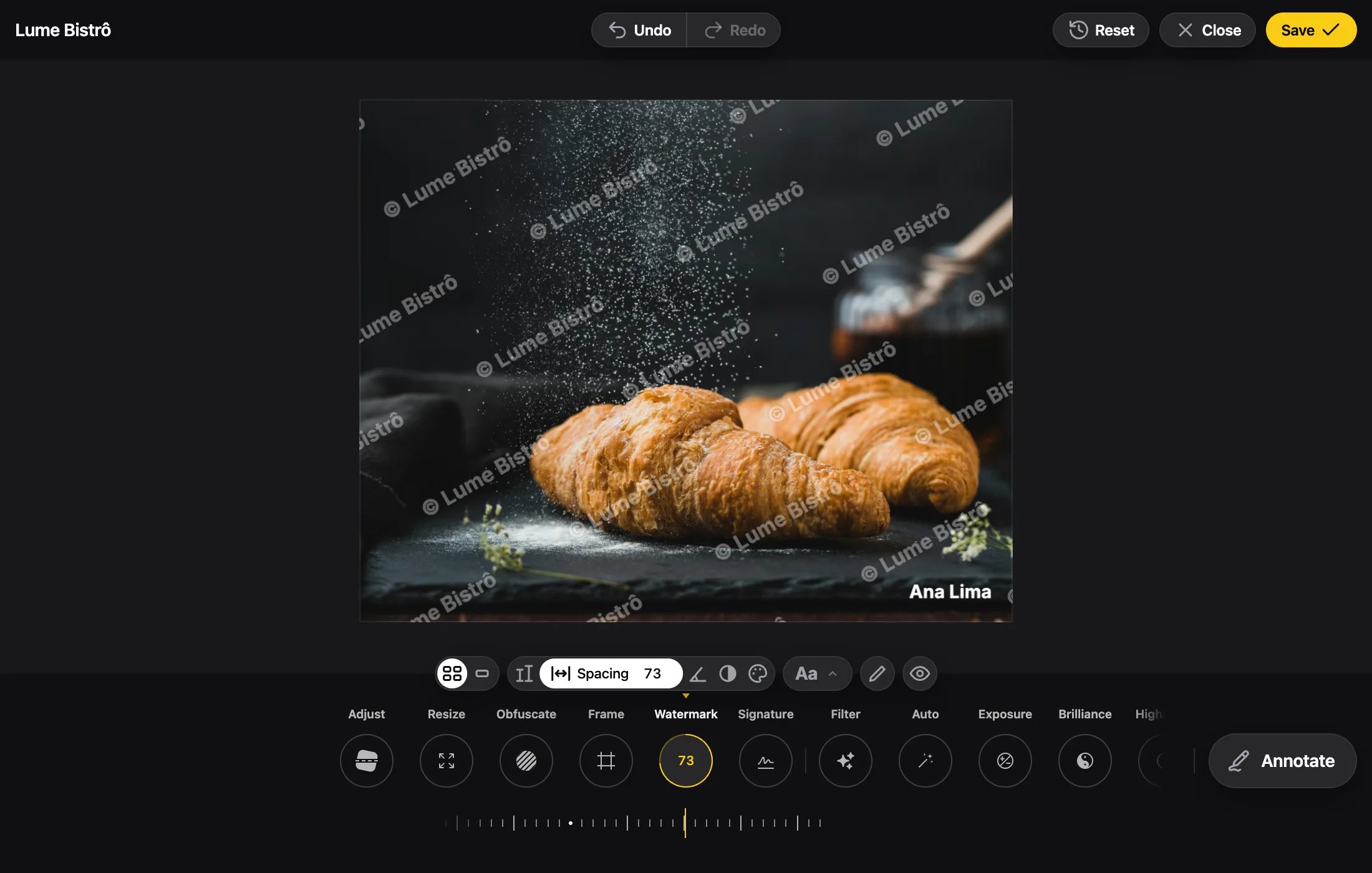
Add the Marks
watermark says the photo is protected. signature says whose it is. Each takes a text or an image src (exactly one), and a lock. A text is written in one of Annotate’s nine fonts, the one its font names ('inter' by default), and only that font loads. Unless the mark is fixed, the user can pick another font for it.
Locks
The watermark defaults to
'fixed', the signature to 'free'. With every mark fixed, the editor shows no tool for them.
A text mark that isn’t fixed shows its font’s “Aa” in the mark’s tool, which opens Annotate’s Font menu: the nine fonts three by three, each name written in its own. The one picked redraws the mark at once, as one step, and is saved in the state.
A free text mark’s words are edited in a text box that takes the tool row’s place in the menu, Cancel and Done beside it, while the mark follows every letter on the photo. Done or Enter keeps the text; Cancel or Esc gives it up; an empty text goes back to yours.
Watermark
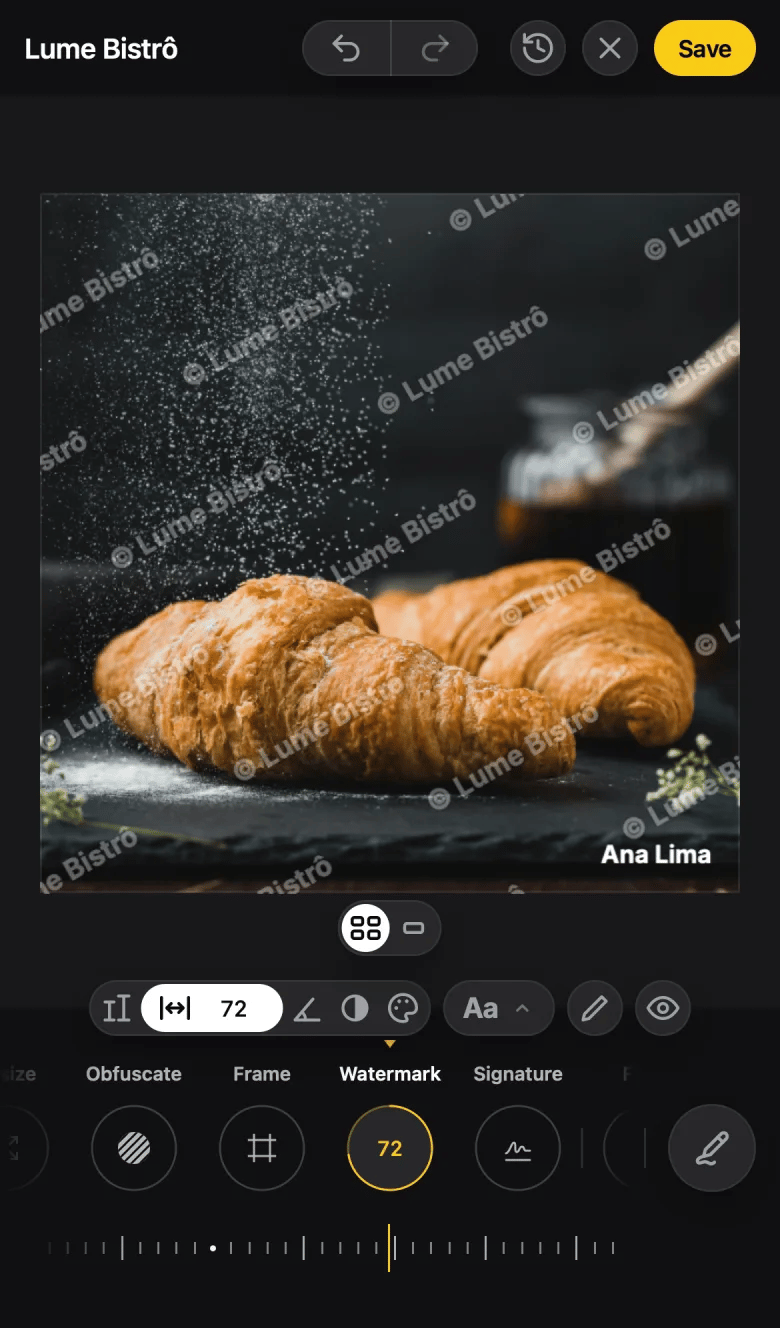
size and angle you give are those of layout: once the user switches, the other layout starts at its own defaults, and each layout keeps what the user gave it.
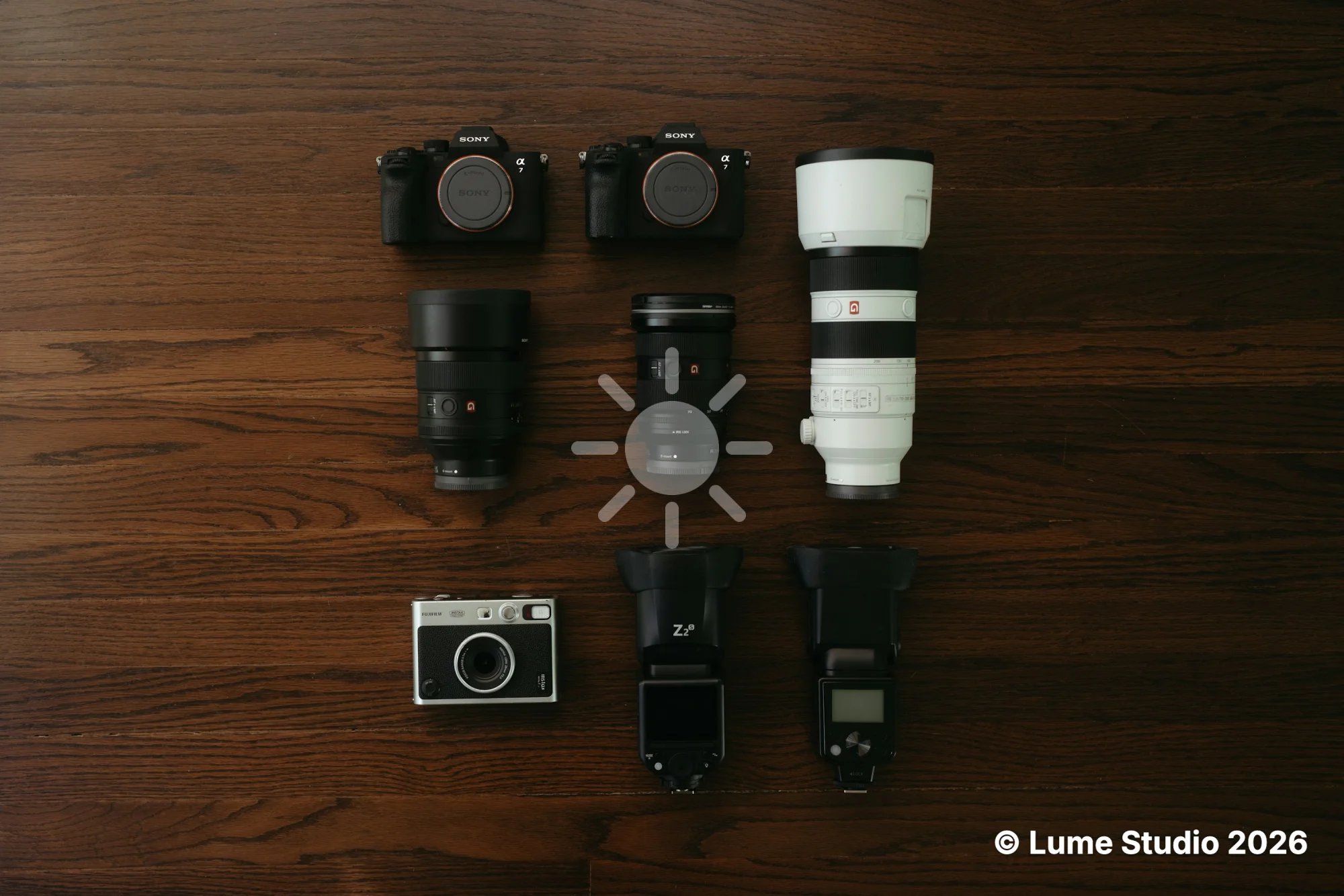
Signature
Where They Sit
- Marks belong to the output: the watermark covers it whole, and the signature keeps its point through crop, rotation, resize and frame.
- They’re drawn last, over the annotations and the frame.
- Changes to the props apply live. The user’s adjustments win for as long as the lock allows.
- What the user changes is saved under
marksin the saved state. The marks themselves come back from your props.
When a Mark Can’t Load
onLoadError receives MARK_FAILED when a mark’s image or the letter of a text mark can’t load.
processImage takes watermark and signature too, and rejects with MARK_FAILED for a fixed or required mark that can’t load.
Process Without UI
Stamp marks on photos in code.
Errors
Every error code.